
Minecraft Seed Map
Explore Minecraft worlds by seed and find biomes, villages, structures and more. Enter a seed to generate an interactive map, then copy the coordinates straight into your game.
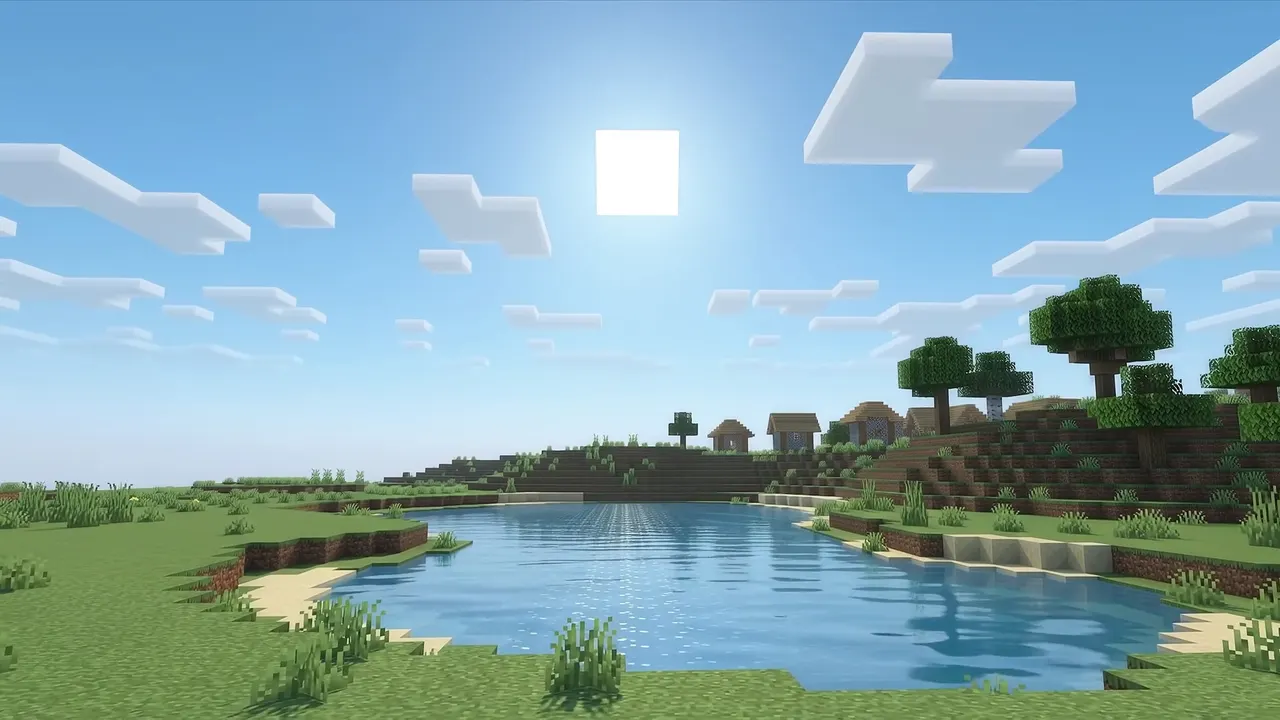
The world behind this panel is a decorative animation. Real maps are generated from your seed by the cubiomes engine.
What you can do
Biome finder
See how biomes are laid out around spawn, and work out where a jungle, mushroom island or deep dark sits before you travel.
Structure finder
Locate villages, ocean monuments, woodland mansions, ancient cities, trial chambers, bastions and end cities on a single map.
Coordinate explorer
Convert between block, chunk and region coordinates, and translate overworld positions to their Nether counterparts.
Seed explorer
Pan and zoom around any seed, drop a marker, copy coordinates and share a permalink to the exact view.
What you can find on a Minecraft seed map
Every layer is calculated from your seed. Switch them on one at a time, click a marker and copy the exact coordinates.
Biomes
See every biome around spawn, from plains and deserts to rare mushroom fields and cherry groves, and fade out the ones you do not need.
Villages and outposts
Find the nearest village for trading and beds, and the pillager outposts that never generate close to one.
Strongholds
Skip the eye-of-ender hunt. Strongholds sit on eight rings around the origin, so you know where to dig to reach the End portal.
Ancient cities
Locate the deep dark and the cities beneath it before you go, and bring wool and a plan for the warden.
Trial chambers
Spot the copper-and-tuff dungeons added in 1.21 and tunnel straight to the spawners and vaults.
Slime chunks
Pick the right chunk for a slime farm. Slimes spawn there below Y 40, and the pattern is set by your seed.
What is a Minecraft seed?
Every Minecraft world is generated from a single 64-bit number called the seed. World generation is completely deterministic: given the same seed, the same edition and the same version, Minecraft produces exactly the same terrain, the same biome layout and the same structure positions, every time.
You can type any text into the seed field when creating a world. Minecraft converts text to a number using Java string hashing, which is why glacier always becomes 108181935. This site performs the same conversion, so you can paste either form.
What is a Minecraft seed map?
A seed map recreates world generation outside the game so you can look at a world before — or without — playing it. Instead of flying thousands of blocks looking for a woodland mansion, you enter the seed, switch on the mansion layer, and read the coordinates.
How Minecraft world generation works
Generation happens in layers. Noise functions shape the terrain and decide the climate values that select biomes. Structures are placed on a grid: the world is divided into regions of a fixed size, and a random number generator seeded from the region coordinates, the world seed and a per-structure salt picks one candidate position per region. Minecraft then checks whether the biome and terrain at that position are suitable.
That two-step process is why a structure grid looks regular but the actual structures do not: villages appear only where the region candidate happens to land in a village biome. Read how this site implements it.
How to find your world seed
- Open the world in singleplayer and run
/seedin chat. - On a server, ask an operator to run the same command.
- For a world you have not created yet, the seed field on the world creation screen is the value to copy.
How to use this seed map
- Paste your seed into the field above.
- Choose the Minecraft version your world was created in — structure placement changed between versions.
- Pick a dimension: Overworld, Nether or End.
- Turn on the layers you care about and pan around the map.
- Click a marker to read its exact coordinates, then copy them or the matching
/tpcommand.
Which Minecraft versions are supported?
MineSeedMap supports Java Edition 1.13 through 1.21. Version choice matters: village spacing changed in 1.18, ancient cities arrived in 1.19, trail ruins in 1.20 and trial chambers in 1.21.
Why your seed map does not match your world
If the map looks nothing like your world, the seed is almost never the problem. Work down this list, most likely cause first.
- Wrong versionPick the version the world was created in, not the one you play now. Biomes and structure spacing changed between releases, and 1.18 rebuilt the Overworld completely.
- Java seed on a Bedrock worldThe two editions generate worlds differently, so the same number gives different terrain. MineSeedMap maps Java Edition only.
- A mistyped seedCopy it again from
/seed. Keep the minus sign, and watch for a stray space at the start or end. Text seeds are converted to a number exactly as the game does it. - Chunks from an older versionTerrain you explored before an update keeps its old shape. Only chunks generated after the update follow the new rules, so the edges of your explored area can disagree with the map.
- Mods, datapacks or custom settingsAnything that changes world generation changes the result, and a seed map cannot account for it.
Small structures such as ruined portals are marked at the chunk where they start, so they can sit a few blocks from the marker. How to find your seed · How to use a seed map
Frequently asked questions
What is a Minecraft seed?
- A seed is the number Minecraft uses to generate a world. The same seed on the same version and edition always produces the same terrain, biomes and structure positions, which is why seeds can be shared between players.
How do I find my world seed?
- In a singleplayer world, run the /seed command in chat. On a server you need operator permission, or you can read the level.dat file of the world save. The seed is also shown on the world creation screen before you generate the world.
Does the seed map work for Bedrock Edition?
- No. MineSeedMap generates Java Edition worlds only. Bedrock uses a different world generation implementation, so a Java map would not match a Bedrock world of the same seed.
Why do some structures show as candidates?
- Minecraft picks a candidate position for each structure on a fixed region grid, then checks the biome and terrain at that position. Region positions are computed exactly here; biome confirmation requires the WebAssembly generation engine described in the documentation.
Are the coordinates the same as in game?
- Yes. Coordinates shown on the map are Minecraft block coordinates, so you can type them straight into a /tp command or walk to them with the F3 debug screen open.
How accurate is a Minecraft seed map?
- Accurate when the seed, edition and version all match your world. A seed map runs the same world generation rules as the game, so biomes and structure regions line up exactly. Small structures are marked at the chunk where they start and can sit a few blocks away, and anything changed by mods, datapacks or custom world settings will not match.
Why does my seed map not match my world?
- Nearly always the version. A seed can produce different terrain in different releases, and the 1.18 update rebuilt the Overworld entirely. Check the exact version and edition the world was created in, copy the seed again including any minus sign, and remember that chunks you explored before an update keep their old terrain.
How do I find the seed of a server I do not own?
- Running /seed needs operator permission, so the simplest route is to ask the server owner or an admin. They can also read it from the world save, where it is stored in level.dat. The level-seed line in server.properties is often blank even though the world has a seed, so do not rely on it.
Is it allowed to use a seed map on a multiplayer server?
- Looking up a seed you were given is fine in the game itself, but servers set their own rules. Many survival servers are relaxed about it and competitive or anti-cheat servers are not, so check the rules before using a seed map to find structures or bases.
How do I find slime chunks with a seed map?
- Switch on the slime chunk layer and zoom in until individual chunks are drawn. Slimes spawn in those chunks below Y 40, about one chunk in ten, and in Java the pattern depends on your seed. Press F3 + G in game to show chunk borders and confirm your farm sits inside the right one.
How do I find a stronghold with a seed map?
- Strongholds sit on eight rings around the world origin, so the map shows you where to dig. Travel to the marked X and Z, then dig down until you find the library or portal room. Without a seed you can still triangulate one by throwing two eyes of ender from different spots.
Does the seed map show diamonds and other ores?
- No. MineSeedMap shows biomes, structures, slime chunks and spawn. Individual ore veins are not displayed, so use the structure coordinates to plan routes and the usual Y-level guidance for mining.
Does the seed map upload my seed?
- No. The map is generated in your browser, so your seed is not sent to a server for processing. A share link does contain the seed in its address, so anyone you give the link to can open the same view.